
Minimalist Design: Simplifying Your Website for a Clean and Modern Appearance
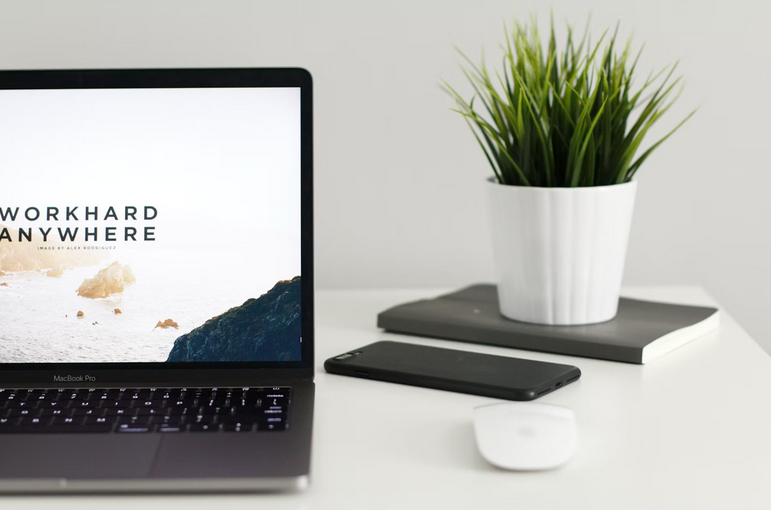
In the ever-evolving landscape of web design, minimalist design has emerged as a popular and timeless approach that focuses on simplicity, clarity, and functionality. A minimalist design philosophy involves stripping away unnecessary elements and focusing on essential features to create a clean, uncluttered, and modern appearance for your website. In this article, we’ll explore the principles of minimalist design and how it can enhance aesthetics.
Embracing Simplicity

One of the most important web design do’s and don’ts to keep in mind is the principle of simplicity. This means eliminating unnecessary elements, visual clutter, and distractions to create a clean and focused design. Start by decluttering your website layout and removing excess text, graphics, and decorative elements that do not contribute to the overall user experience. A clutter-free design allows users to navigate your website with ease and focus on essential content and functionality.
Prioritizing White Space
White space, also known as negative space, plays a vital role in minimalist design. It refers to the empty space between elements such as text, images, buttons, and sections of your website. By incorporating ample white space, you create breathing room and improve visual hierarchy, making it easier for users to scan and absorb information. White space also enhances the overall aesthetics of your website, giving it a spacious and elegant look.
Using Limited Color Palette
Minimalist design often employs a limited color palette consisting of neutral tones, muted colors, or a single accent color. By keeping colors simple and cohesive, you create a harmonious visual experience that is easy on the eyes and conveys a sense of sophistication. Choose colors that complement your brand identity and evoke the desired emotions while maintaining a minimalist aesthetic.
Opting for Clean Typography
Typography plays a crucial role in minimalist design. Choose clean, legible fonts for headings, body text, and navigation menus. Avoid using multiple font styles or excessive decorative fonts that can clutter the design. Opt for a balanced typography hierarchy, with clear distinctions between headings, subheadings, and body text to improve readability and user engagement.
Focusing on Functional Elements

In minimalist design, functionality takes precedence over decorative elements. Prioritize functional elements such as navigation menus, call-to-action buttons, and interactive features that guide users and encourage meaningful interactions. Keep these elements simple, intuitive, and strategically placed to enhance usability and drive user engagement.
Implementing Visual Consistency
Consistency is key to a successful minimalist design. Maintain visual consistency across your website by using consistent typography, color schemes, spacing, and alignment. This creates a cohesive and unified look that reinforces your brand identity and makes navigation seamless for users.
Enhancing User Experience
Minimalist design contributes to a positive user experience by reducing cognitive load, improving readability, and facilitating intuitive navigation. By simplifying your website’s design, users can focus on the content, complete tasks efficiently, and enjoy a seamless browsing experience. This user-centric approach fosters engagement, encourages repeat visits, and strengthens brand loyalty.
Minimalist design offers a powerful way to simplify your website’s appearance while enhancing aesthetics, functionality, and user experience. By embracing simplicity, prioritizing white space, using a limited color palette, opting for clean typography, focusing on functional elements, maintaining visual consistency, and optimizing for mobile responsiveness, you can create a clean, modern, and user-friendly website that leaves a lasting impression on your visitors. Embrace minimalist design principles …